How It Started
I joined KGEC in 2024. What should have been an exciting admission day quickly turned into a frustrating ordeal. Admission required a long checklist of documents, and while the college had released an official notice, it created more questions than answers. Which specific affidavits were mandatory? Whose signature was needed? Which counter was responsible for verification? Nobody seemed to know.
The official helpline number was completely unresponsive. We called repeatedly throughout the day, but nobody answered. Families were standing in long queues under the sun, clutching folders of paperwork, with no one available to give them clear guidance.
That experience stayed with me. What if every campus website had an automated assistant trained on its official circulars, admission guides, and FAQs? Students could ask questions at any hour, in their preferred language, and receive instant, verifiable answers. Whenever a query went beyond the documentation, a staff member could take over seamlessly. That simple idea became Askly.
The Problem and The Idea
The Current Reality
College administrative offices handle the same repetitive inquiries daily: required documents, fee deadlines, and scholarship forms. Staff members spend hours answering routine questions, students wait in long lines, and vital instructions remain locked away inside dense PDF circulars that few people read.
The Askly Solution
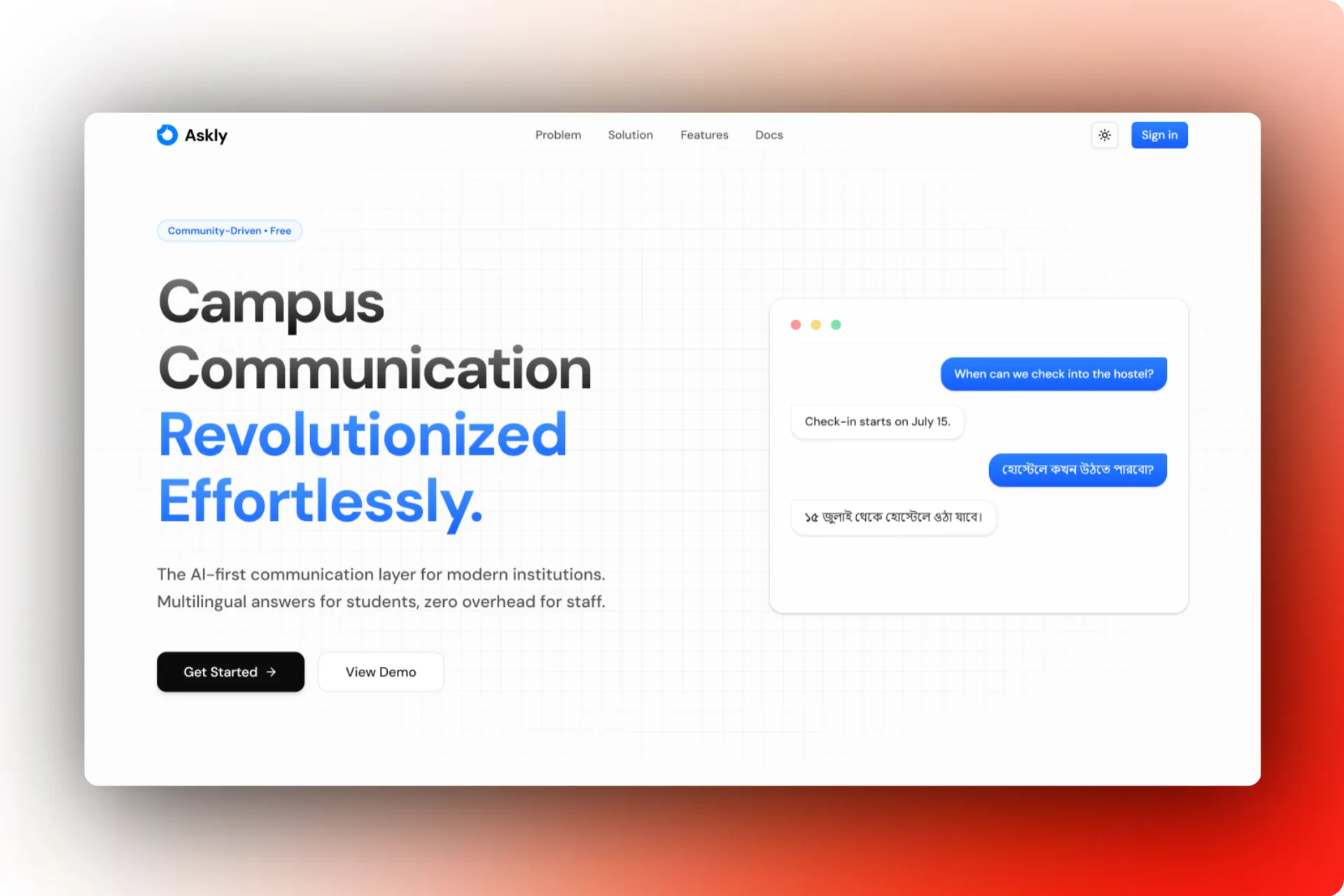
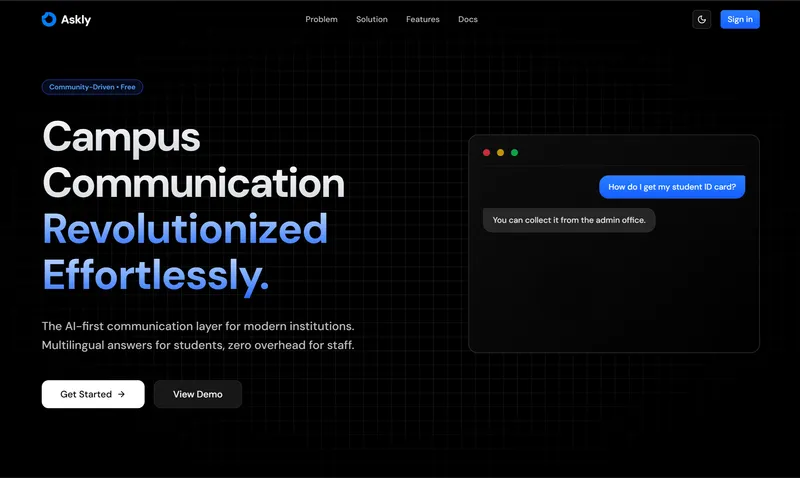
A single embeddable chat widget on the institution website. Askly indexes all uploaded PDFs, notices, and web pages. Students can ask in English, Hindi, or their native language and receive verified replies in seconds. When human intervention is required, staff can step in directly from a centralized dashboard.
What Askly Is
Askly is structured as a monorepo powered by Turborepo and pnpm. It unifies three customer-facing applications and a central backend into a single cohesive codebase:
1. Web Dashboard (port 3000): Built for college administrators and support staff. It provides an interface to upload documents, initiate website crawls, configure greetings, manage live conversations, and view real-time query resolution metrics. Authentication is handled via Clerk, with each institution isolated in its own organization namespace.
2. Student Widget (port 3001): The lightweight chat interface students interact with. It requires no login: just a name and email to start. Students can chat in real time, revisit previous conversation threads, or initiate an audio call if the institution has voice support enabled.
3. Embed Script: A minimal script built with Vite into a single static file (widget.js). Colleges simply paste one script tag onto their existing website to immediately render the floating chat button and iframe.
4. Convex Backend: A real-time reactive database that handles state management, session tracking, and live messaging. When staff responds to a query, updates stream instantly to the student through persistent WebSocket connections, eliminating polling and manual refreshes.
At a Glance
apps
3 + 1
web, widget, embed, and backend
tables
7
sessions, chats, crawl jobs, secrets
setup
1 tag
single script tag to go live
System Architecture
Database & Sync: Convex manages all persistent state, linking conversations to temporary contact sessions and crawl jobs to chunked vector indexes. All queries are strictly scoped by organization ID to guarantee multi-tenant data isolation.
AI Agent Loop: The conversational agent runs on Gemini 2.5 Flash. It is strictly constrained to search the campus knowledge base first and never invent facts. Specialized tools handle vector retrieval, escalation to human staff, and conversation closure.
How RAG Works
The knowledge layer relies on Retrieval-Augmented Generation (RAG) to ensure accuracy and eliminate hallucinations.
Administrators upload institutional documents such as fee structures, academic calendars, and scholarship notices, or provide a website URL for the built-in crawler. The crawler traverses internal pages up to a configured depth, respecting a cap of 100 resources per crawl job and a 10 MB per-file limit to prevent indexing unrelated external sites.
Text extraction is handled intelligently based on file type: Gemini 2.5 Pro processes complex PDFs, Gemini 2.5 Flash extracts text from scanned images, and plain text files are parsed directly. The resulting content is split into semantic chunks, vectorized using gemini-embedding-001 (producing 3,072-dimensional embeddings), and stored within an organization-specific vector namespace.
When a student asks a question, such as asking about fee payment deadlines, the assistant executes a semantic vector search. The most relevant chunks are retrieved and passed to the model, which formulates a concise response in the student’s language. If the documentation lacks sufficient details, the prompt strictly enforces a fallback message: “I could not find specific information in the official documents. Would you like me to connect you with a staff member?”
Handoff between AI and human staff is tracked through conversation states. An unresolved status indicates the bot currently manages the exchange. If the model cannot answer or the student requests a person, the status transitions to escalated. Once staff resolves the question from their inbox, the thread marks as resolved and locks against further edits.
One-Tag Embed
<!-- Add this single snippet to any campus webpage -->
<script
src="https://your-domain.com/widget.js"
data-organization-id="org_xxx"
data-position="bottom-right"
></script>
Core Capabilities
For Students
- Instant Answers: Questions regarding fees, deadlines, and courses are answered directly from official records in multiple languages.
- Voice Interaction: Optional voice calling powered by Vapi allows students to speak rather than type.
For Institutions
- Frictionless Integration: A single script tag injects the responsive widget, session manager, and chat interface.
- Unified Staff Inbox: A real-time dashboard featuring conversation filters, student session details, and instant one-click escalation.
Tech Stack and Decisions
Askly was built using Next.js 15, React 19, Convex, Clerk, Google Gemini, and Turborepo. Google models power the entire pipeline: gemini-2.5-flash handles conversational chat, gemini-2.5-pro extracts complex document layouts, and gemini-embedding-001 generates dense vector representations. Each organization configures its own API credentials, which are stored securely using AES-GCM encryption with randomized initialization vectors.
Security and permissions follow a three-tier model. Private endpoints require valid Clerk authentication and tenant verification. Public endpoints serve the student widget using ephemeral session IDs with a 24-hour expiration window. Internal system actions remain accessible only by background workers and cannot be invoked directly by clients.
The user interface is built on a shared internal package (@workspace/ui) leveraging Tailwind CSS v4, Radix primitives, and unified design tokens for both light and dark themes. Multi-language support is driven naturally by Gemini prompt instructions, instructing the model to reply in the user’s input language without requiring dedicated translation layers.
The embed script is completely dependency-free. It inspects its parent script tag, constructs the isolated iframe URL, and communicates strictly through scoped window messaging.